
LED Panel Challenges
The pannel consists of 25 red LEDs, which can be programmed independently. It can display numbers, letters and images.
The system is designed to scroll automatically if the characters to be displayed do not fit.
Challenge #1: Hello World
When you’re learning to programme, the first programme you create is called “Hello World”. This code displays the text “Hello World!” on a display device.
Objective.
When you connect the micro:BIT, the text “Hello World!!!” should be displayed on the board’s LED panel
Code description.
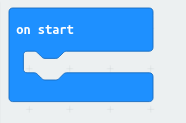
We suggest using the ‘On Start’ event, which is in the ‘Basic’ category. This block allows the code entered to be executed when the micro:BIT starts up.
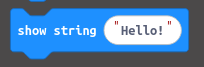
Next, we will use the ‘Display String’ block, also found in the ‘Basic’ category, and enter the text “Hello World!!!”. This block displays the entered text character by character.
The code will look as follows.
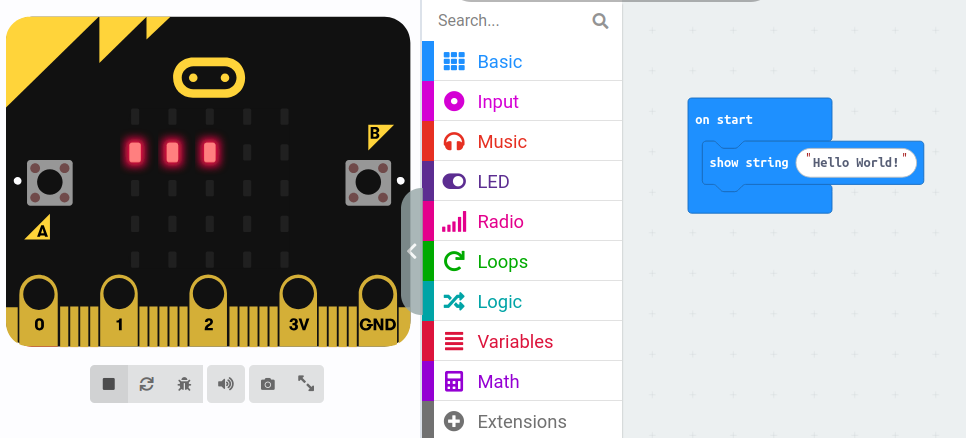
The entered text string will immediately begin to be read on the LED panel. The text doesn't fit entirely, so it will scroll automatically.
Simulator
The great thing about the editor is that if you sign in, it allows you to share and embed it on a web page. Here's the result of embedding the code above: